How To Find Your Current Chosen App VersionUpdated 7 months ago
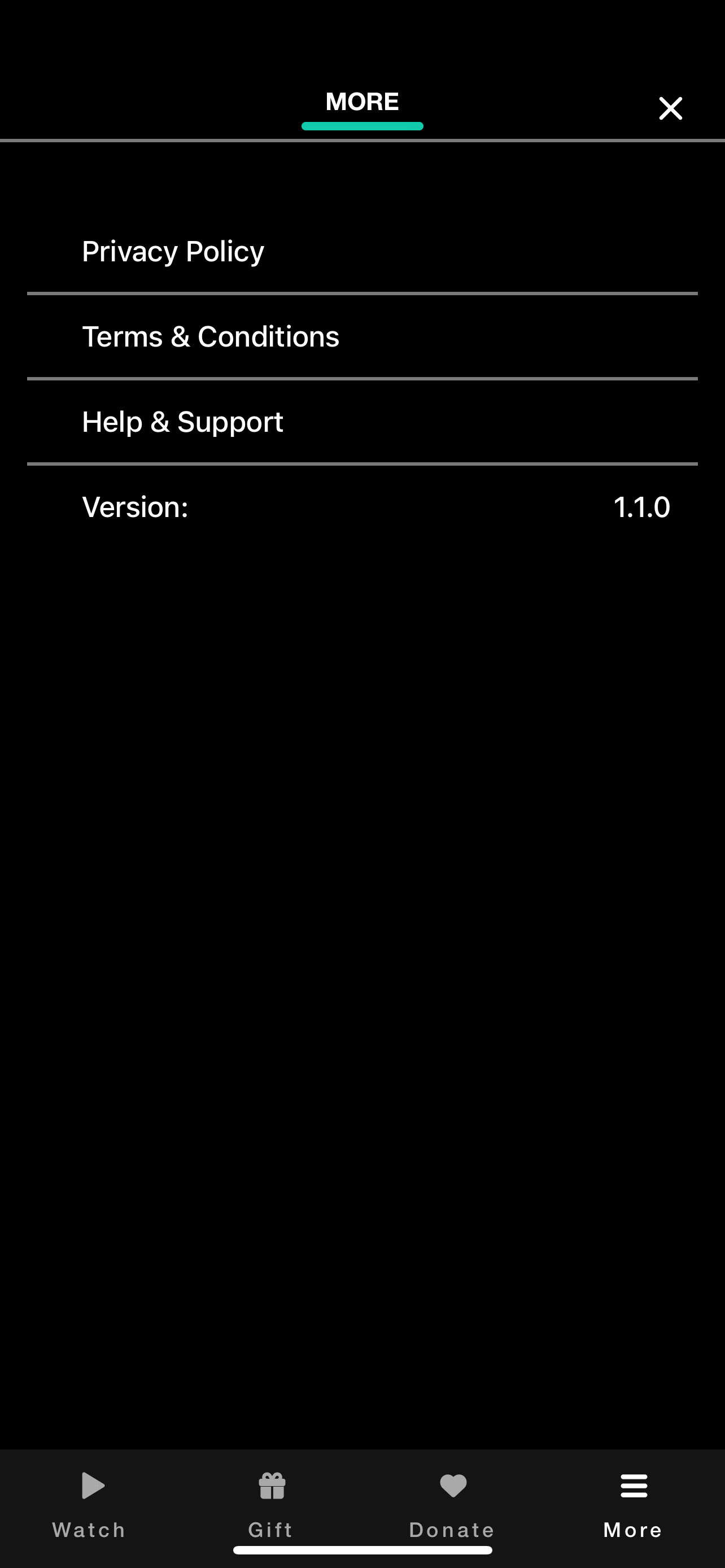
Follow these steps to find your current Chosen app version:
#1. Click on the "More" icon at the bottom right to navigate to your profile page.

#2. The version number is located near the bottom.